
What Filipino users usually check
Customer service is easier when your evidence is complete. Prepare amount, time, status, screenshot, TXID or merchant details before sending a case.
Support prep
Customer service is easier when your evidence is complete. Prepare amount, time, status, screenshot, TXID or merchant details before sending a case.
Guide
For crypto deposits, prepare TXID, asset, network, address and timestamp. For QR or card issues, prepare merchant, amount, order ID, status and screenshots.
For KYC or login issues, describe the error clearly without sending sensitive documents to unofficial channels.
Guide
Do not send OTP, password, private keys, card details or remote access to anyone claiming to help.
Use RedotPay official support paths and keep one clear case instead of scattered messages.
Next checks
Pick the closest next check before you scan, deposit, order a card or contact support.
Customer service is easier when your evidence is complete. Prepare amount, time, status, screenshot, TXID or merchant details before sending a case.
Updated 2026-07-10. Recheck the live RedotPay app before moving money.
Do not assume GCash, Maya, local bank or PHP withdrawal support unless the app shows it.
Next PH checks
Check the related guide before signing up, depositing, scanning, withdrawing or contacting support. Most mistakes happen when one step is checked alone.
Official checks
Use official RedotPay materials to re-check availability, fees, KYC, limits, supported networks and support process. This guide is a local checklist, not the final authority.
FAQ
Do not assume a Philippine hotline unless RedotPay publishes one. Use current official support channels.
Send the non-sensitive details that prove the issue: amount, time, status, TXID, merchant or order ID.
Before you continue
Keep screenshots, order status, TXID, amount and time before asking support to investigate.
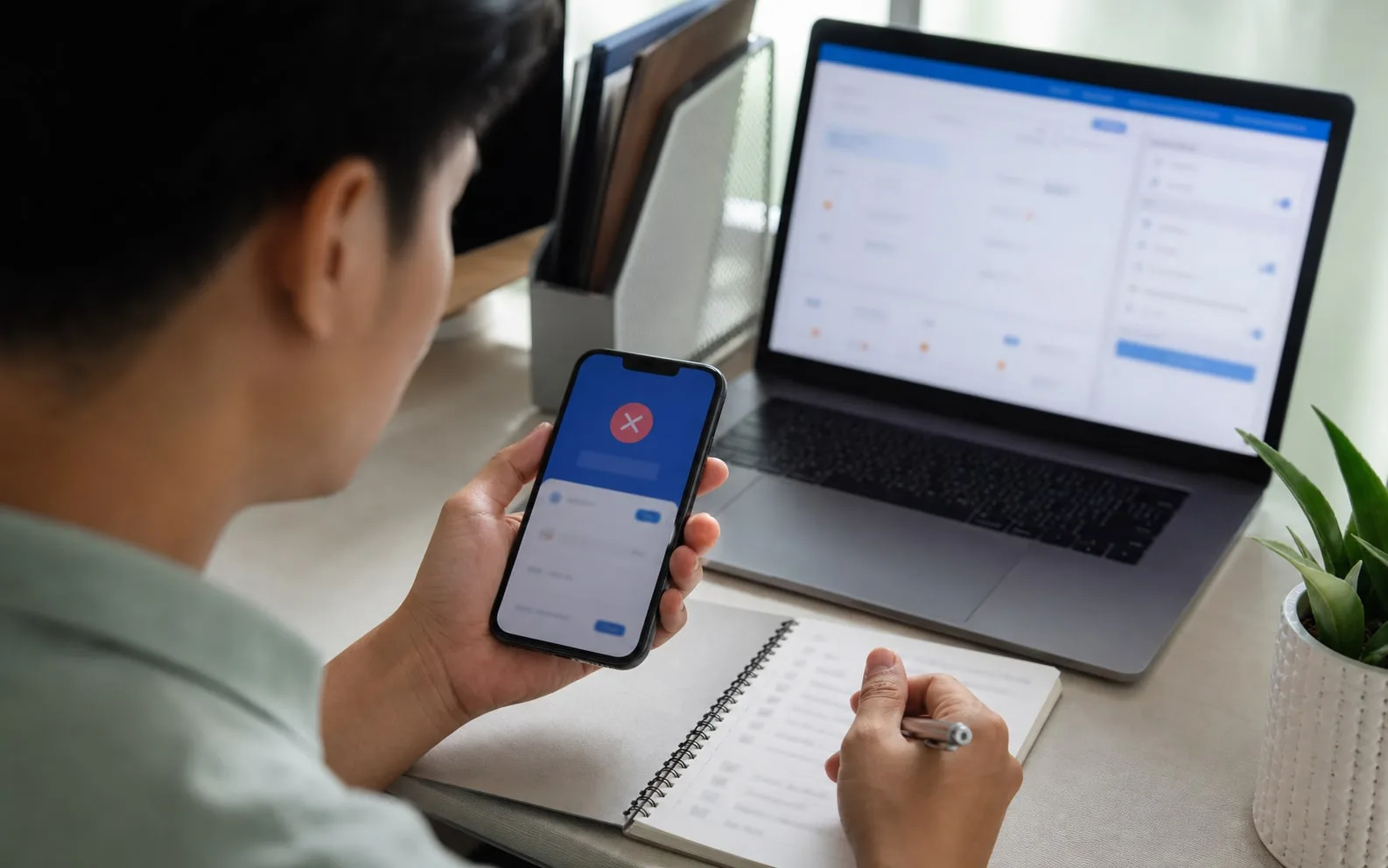
Keep screenshots, order status, TXID, amount and time before asking support to investigate.
Before trying again
Read RedotPay support Philippines, then prepare amount, time, status, merchant or TXID before repeating a failed transaction.